What is the practical workflow?
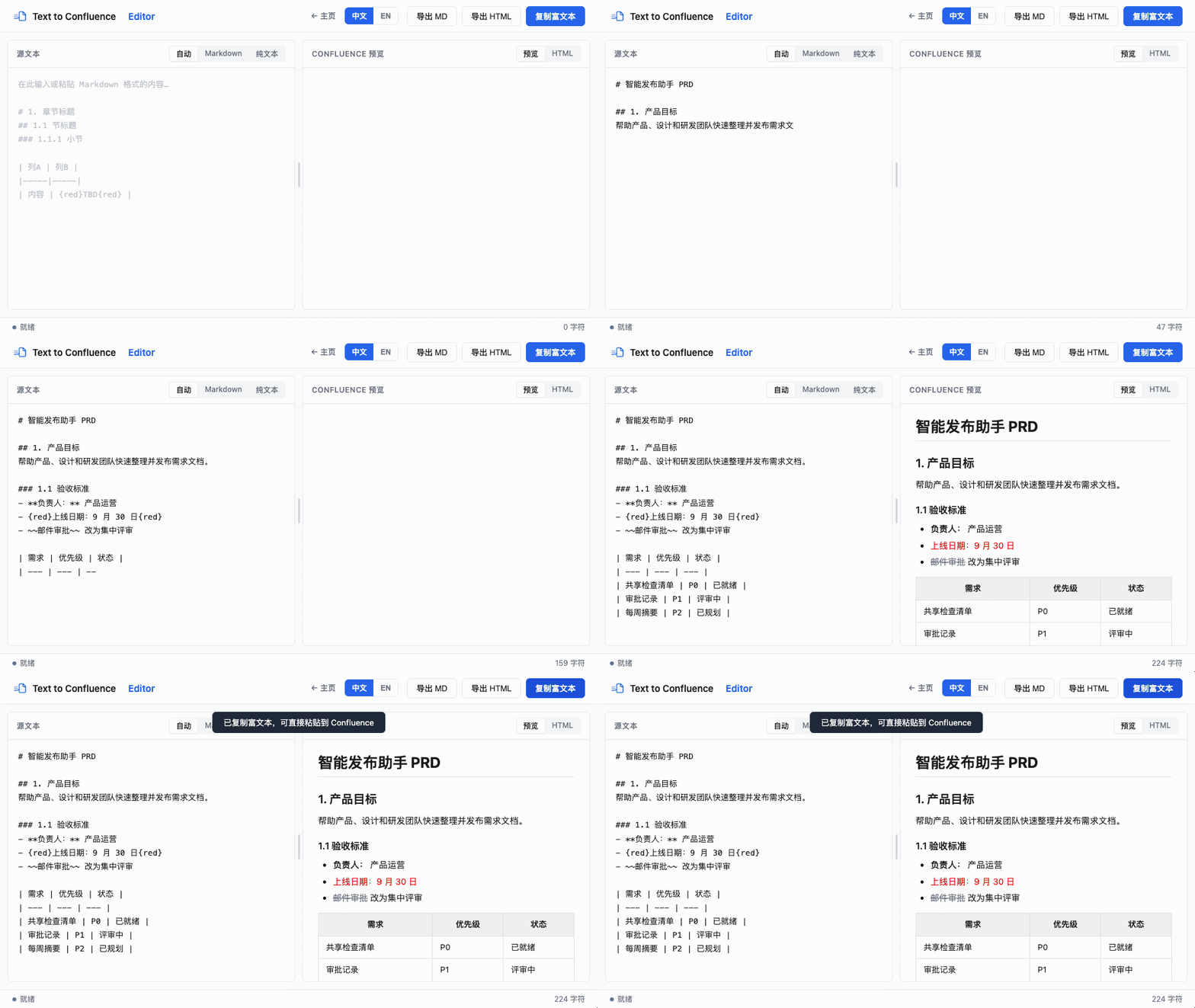
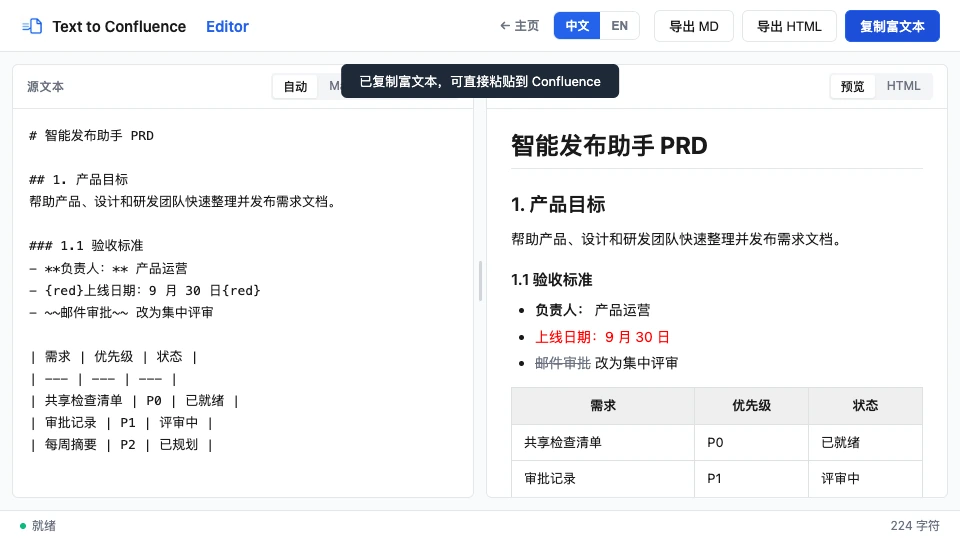
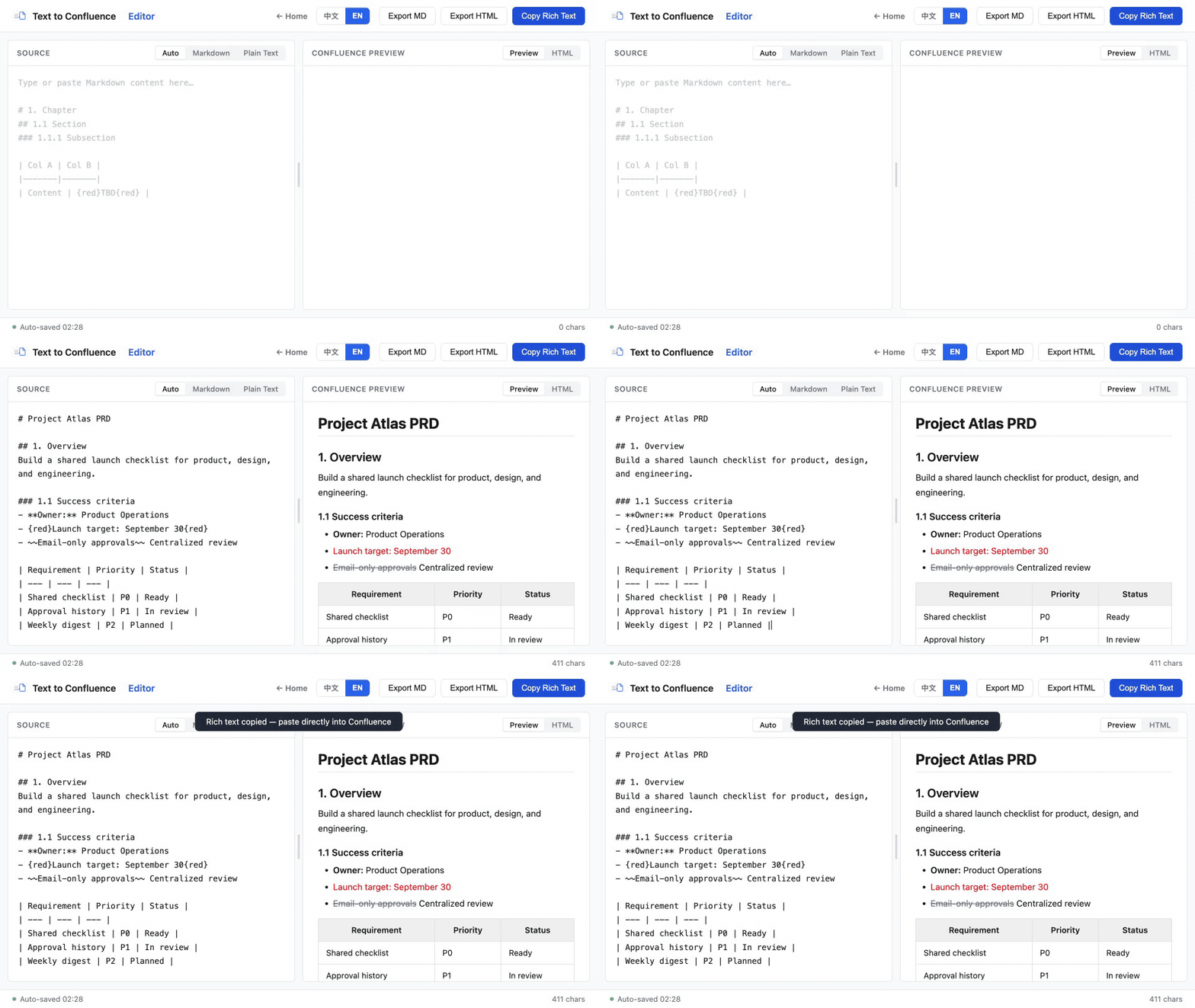
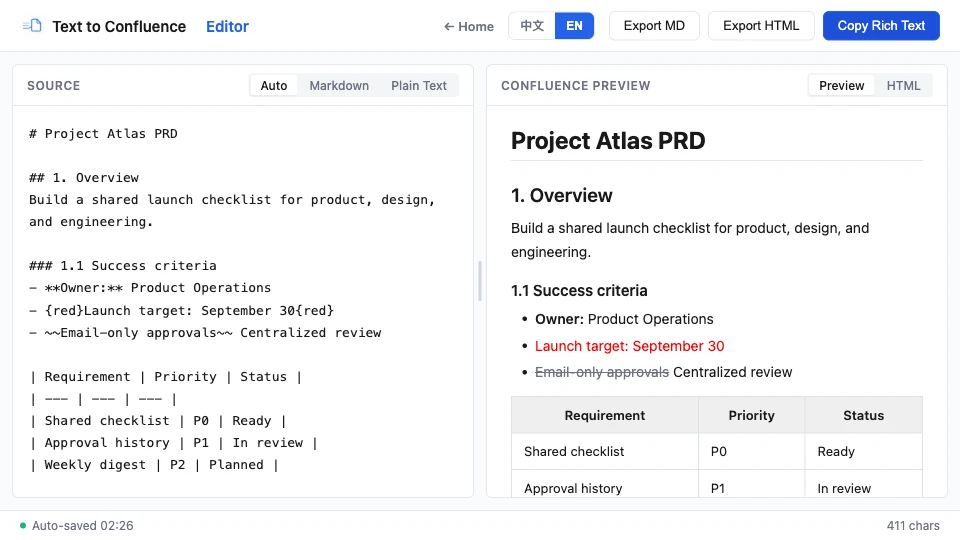
Use one preview-and-copy loop: prepare the source, inspect the rendered structure, resolve ambiguous syntax, and publish the rich-text result.
- Open the Markdown workflow.
- Paste your source into the input panel.
- Review the live preview on the right.
- Fix syntax that needs clarification, especially tables and nested lists.
- Copy the formatted output and paste it into your destination page.
Which Markdown structures work best?
Clear heading levels, separator-based tables, and consistently indented lists produce the most predictable result.
Headings
# Product requirements
## Problem
## Proposed solution
### Acceptance criteria
Tables
| Requirement | Owner | Status |
| --- | --- | --- |
| Export flow | Product | In review |
| Permission check | Engineering | Ready |
Lists and checklists
- Confirm the user journey
- Add validation for empty input
- Test the copy-and-paste result
Keep a blank line before and after tables or lists in mixed documents. This makes each block easier to parse and review.
What is a useful PRD pattern?
A lightweight PRD works well when context, user story, and acceptance criteria each have their own heading.
# Feature: Bulk import

## Context
What problem are we solving?

## User story
As a product manager, I want to import a document so that I can publish it quickly.

## Acceptance criteria
- [ ] The source can contain headings and tables
- [ ] The preview matches the intended formatting
- [ ] The final content can be pasted into a wiki page
How do I fix common formatting problems?
Start by removing ambiguity in the source: verify table separators and column counts, then simplify inconsistent or deeply nested lists.
The table does not render correctly
Check that the separator row is present and every row has the same number of columns.
Nested list indentation is inconsistent
Use consistent indentation for child items. Simplify deeply nested lists before publishing when the hierarchy is not essential.
These recommendations align with the structures documented in Atlassian’s available Markdown commands.
Ready to try the workflow?
Paste a real draft, inspect the preview, and copy the rich-text result when it looks right.
Open Text to Confluence Editor →