This independent workflow guide is not endorsed by or affiliated with Atlassian.
What problem does this workflow solve?
It removes the manual rebuild between a reviewable Markdown requirement and the formatted page stakeholders expect to read.
Teams often keep requirements and engineering notes in Markdown because diffs are easy to review. Publishing the same material to a shared wiki can introduce a second pass of heading, table, list, link, emphasis, and code-block cleanup.
What is the repeatable team process?
Agree on one source format and one publishing checkpoint, then use the same preview-and-copy sequence for every document.
- Write or review the document in Markdown.
- Open the Markdown workflow.
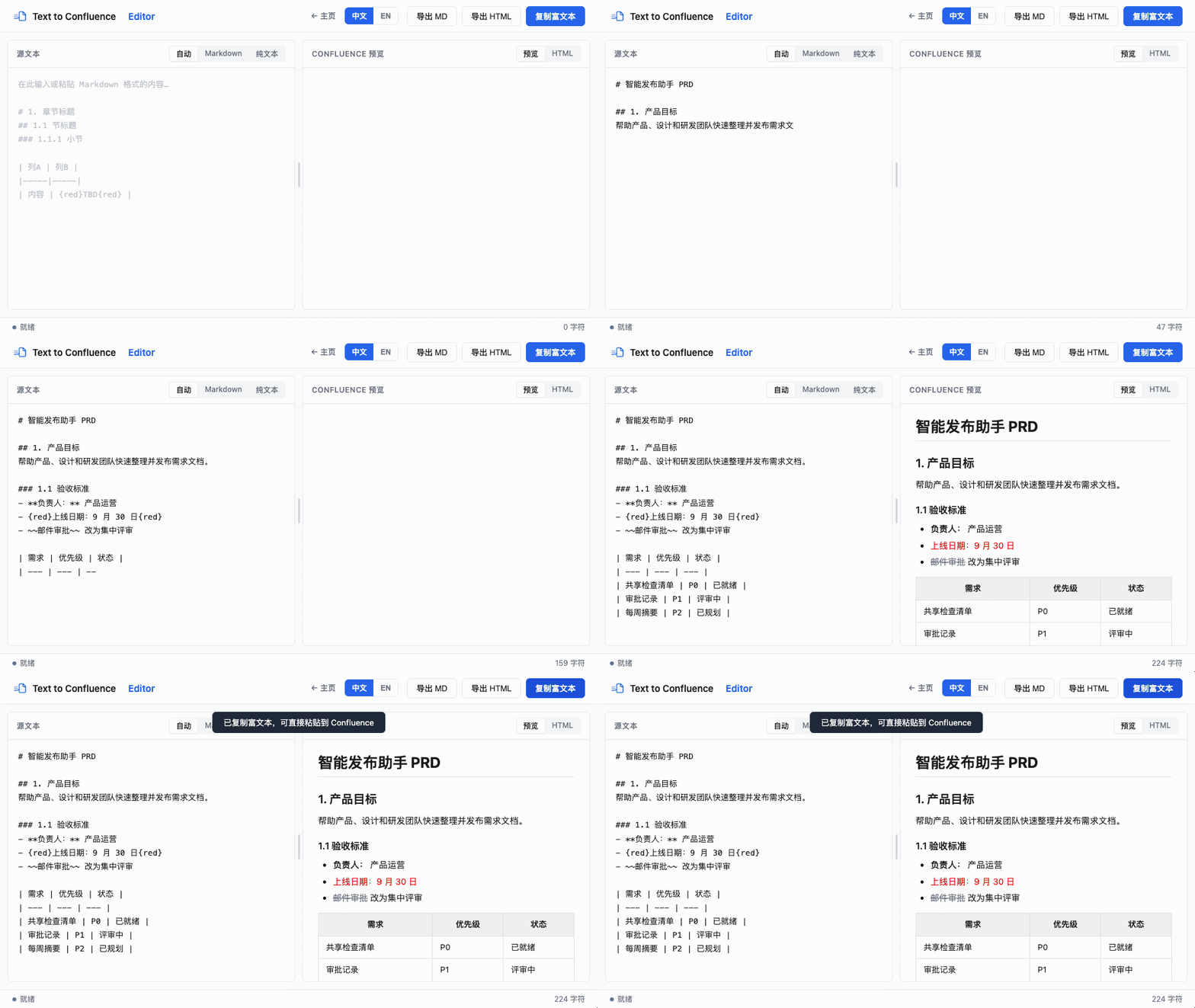
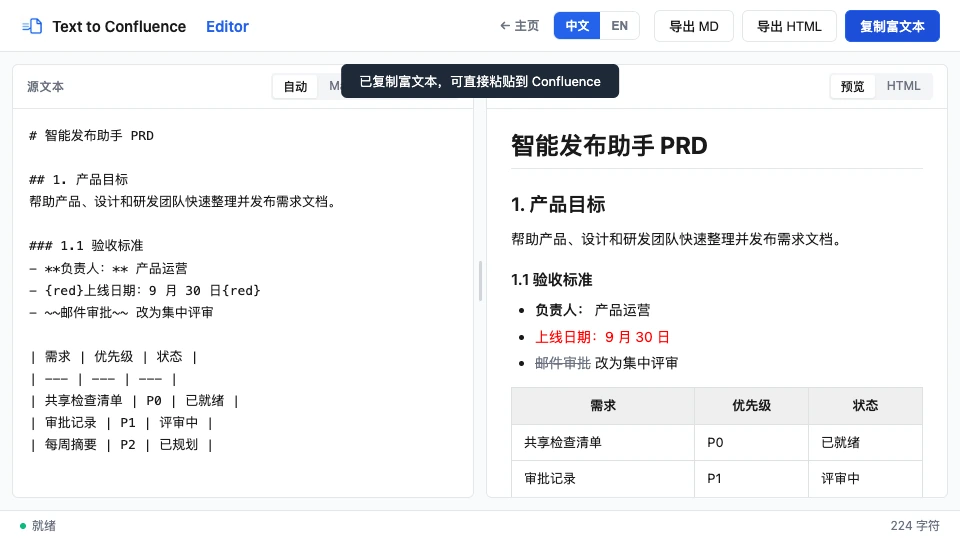
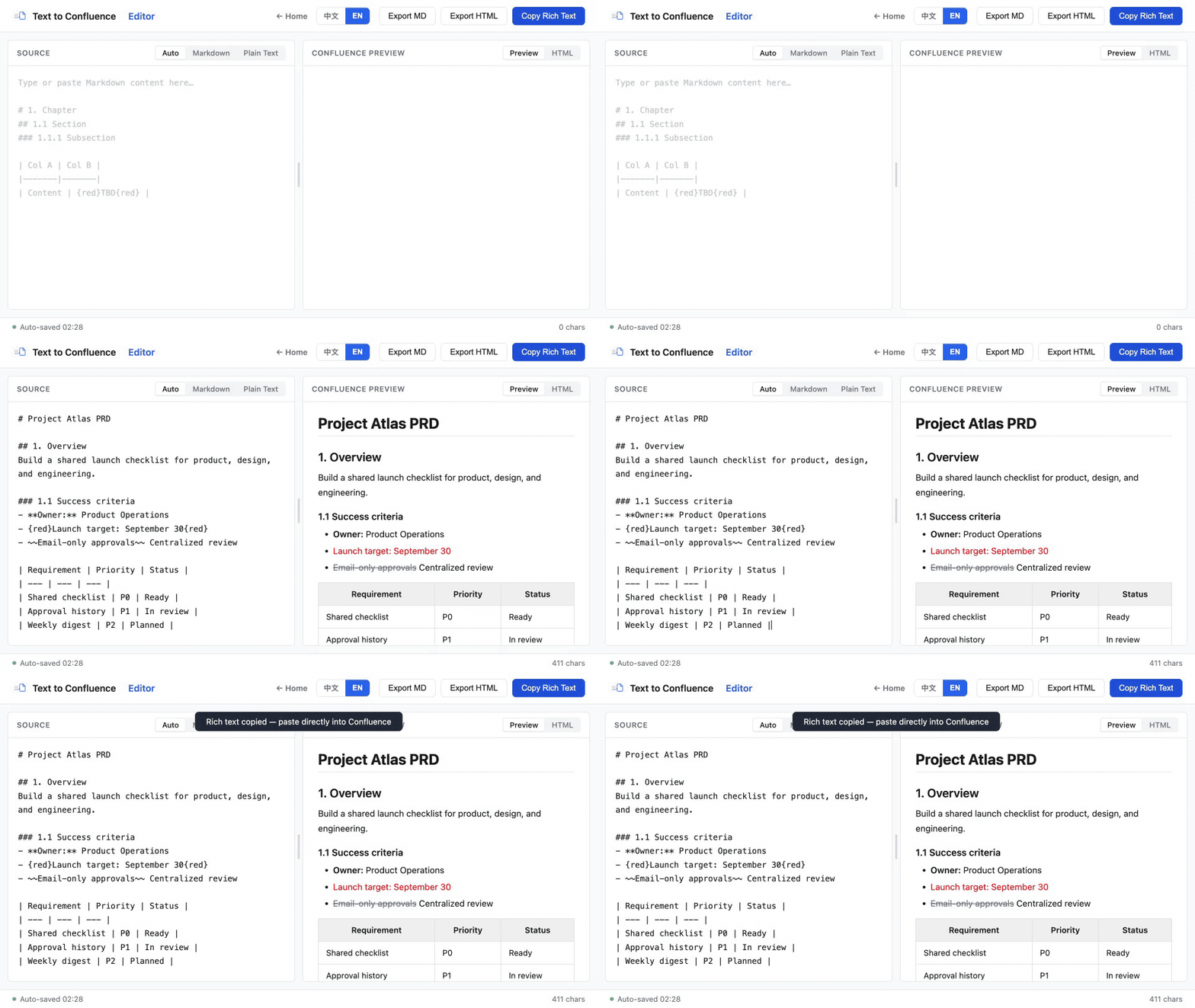
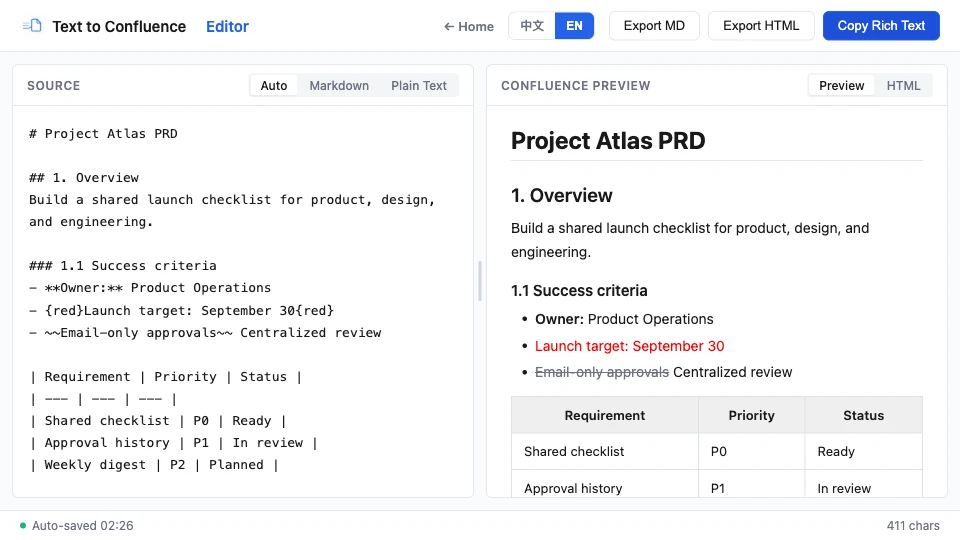
- Paste the source and check the live preview.
- Copy the formatted result into the destination editor.
- Confirm links, tables, and permissions on the final page before publishing.
The workspace handles common PRD structures such as headings, tables, lists, links, emphasis, code blocks, and strikethrough. Atlassian documents its editor’s available Markdown commands in Confluence Cloud support.
What does a small PRD example look like?
Keep the example compact enough to review as source but structured enough to become a readable stakeholder page.
# Checkout redesign

## Acceptance criteria

- [ ] Guest users can complete checkout
- [ ] Validation errors are visible

| Metric | Target |
| --- | --- |
| Completion rate | 70% |
After publishing, the source remains readable in Markdown while the shared page presents the same hierarchy to non-technical stakeholders.
How should teams handle sensitive content?
Treat local browser processing as one control, not a replacement for your organization’s classification and access policies.
localStorage on that device. Review the privacy policy, remove unnecessary secrets, and follow your organization’s security requirements.MDN explains that Web Storage is associated with a document’s origin and persists in the browser. See the Web Storage API overview for browser behavior.
What should the final publishing check include?
Verify the destination page itself: inspect heading hierarchy, table width, link targets, code blocks, access permissions, and any browser-specific paste differences.
- Use the same supported browser version for team testing.
- Record whether the destination is Cloud or Data Center.
- Keep a small reference document for regression checks.
- Review the pasted page before asking stakeholders to rely on it.
Try the workflow with a real PRD
Start with a short, non-sensitive document and validate the result in your own environment.
Open Text to Confluence Editor →