What are the most common Confluence use cases?
The most common uses are shared knowledge, product and technical documentation, project context, decisions, meeting records, onboarding, and internal communications.
Knowledge base or wiki
Centralize policies, how-to articles, FAQs, standards, and institutional knowledge so people can find answers without asking the same questions again.
Product requirements
Bring customer context, goals, scope, user stories, designs, decisions, and acceptance criteria into one reviewable PRD.
Technical documentation
Maintain architecture notes, runbooks, API guidance, release information, and troubleshooting material close to the teams that update it.
Project planning
Share briefs, milestones, research, status updates, risks, and decision logs while detailed tasks live in a work tracker.
Meetings and decisions
Use repeatable agendas, collaborative notes, action items, and decision records so outcomes remain visible after the meeting.
Onboarding and policies
Give employees one maintained place for team introductions, processes, policies, training, and frequently used resources.
How do different teams use Confluence?
Each team applies the same collaborative workspace to different knowledge: product defines direction, engineering documents systems, IT supports operations, and business teams coordinate plans and policies.
| Team | Typical Confluence content | Outcome |
|---|---|---|
| Product | Strategy, roadmaps, research, PRDs, launch plans | A shared source of product context |
| Engineering | Architecture, RFCs, runbooks, retrospectives | Decisions and operating knowledge stay discoverable |
| IT and support | Knowledge articles, procedures, FAQs, incident notes | Faster self-service and consistent answers |
| HR and people | Onboarding, policies, benefits, training | Employees can find current guidance |
| Marketing | Campaign briefs, messaging, calendars, launch assets | Cross-functional work stays aligned |
| Leadership and operations | Plans, goals, updates, decision logs, handbooks | Priorities and decisions remain transparent |
Can Confluence be used for project management?
Yes—for briefs, plans, stakeholder context, status updates, risks, and decisions. It is usually paired with a dedicated tracker when individual tasks need structured workflows.
A practical pattern is to keep the project’s narrative and source-of-truth documents in Confluence, then embed or link the relevant Jira work. Stakeholders see the “why” and current summary; delivery teams retain owners, statuses, and priorities at the work-item level.
When should you use Confluence instead of Jira?
Use Confluence when information needs explanation, collaborative writing, flexible structure, or long-term reference. Use Jira when work needs assignment, status, priority, workflow rules, and reporting.
- Write the product brief, decision, or runbook in Confluence.
- Track tasks, bugs, requests, and delivery stages in Jira.
- Link them so context and execution do not drift apart.
When is Confluence not the right tool?
Confluence should not replace a transactional system that needs strict records, specialized workflows, large-scale analytics, or source-code version control.
- Use a code repository for source code and code review.
- Use a CRM for customer and sales records.
- Use a ticketing or work-management system for operational queues.
- Use a governed data platform for high-volume analytics.
- Follow your organization’s approved system for regulated or highly sensitive records.
Confluence can still explain the process and link to the system of record.
How do you keep a Confluence workspace useful?
Start with a small space structure, assign owners to important content, use templates for repeated work, and archive or refresh material on a regular schedule.
- Choose a clear purpose for each space.
- Create a short, predictable top-level content tree.
- Use names that match the language people search for.
- Link related decisions, plans, and tracked work.
- Add an owner and review date to critical pages.
Use cases were checked against Atlassian’s official Confluence use cases and team best-practices guide.
Related Confluence guides
Publishing a PRD or team document?
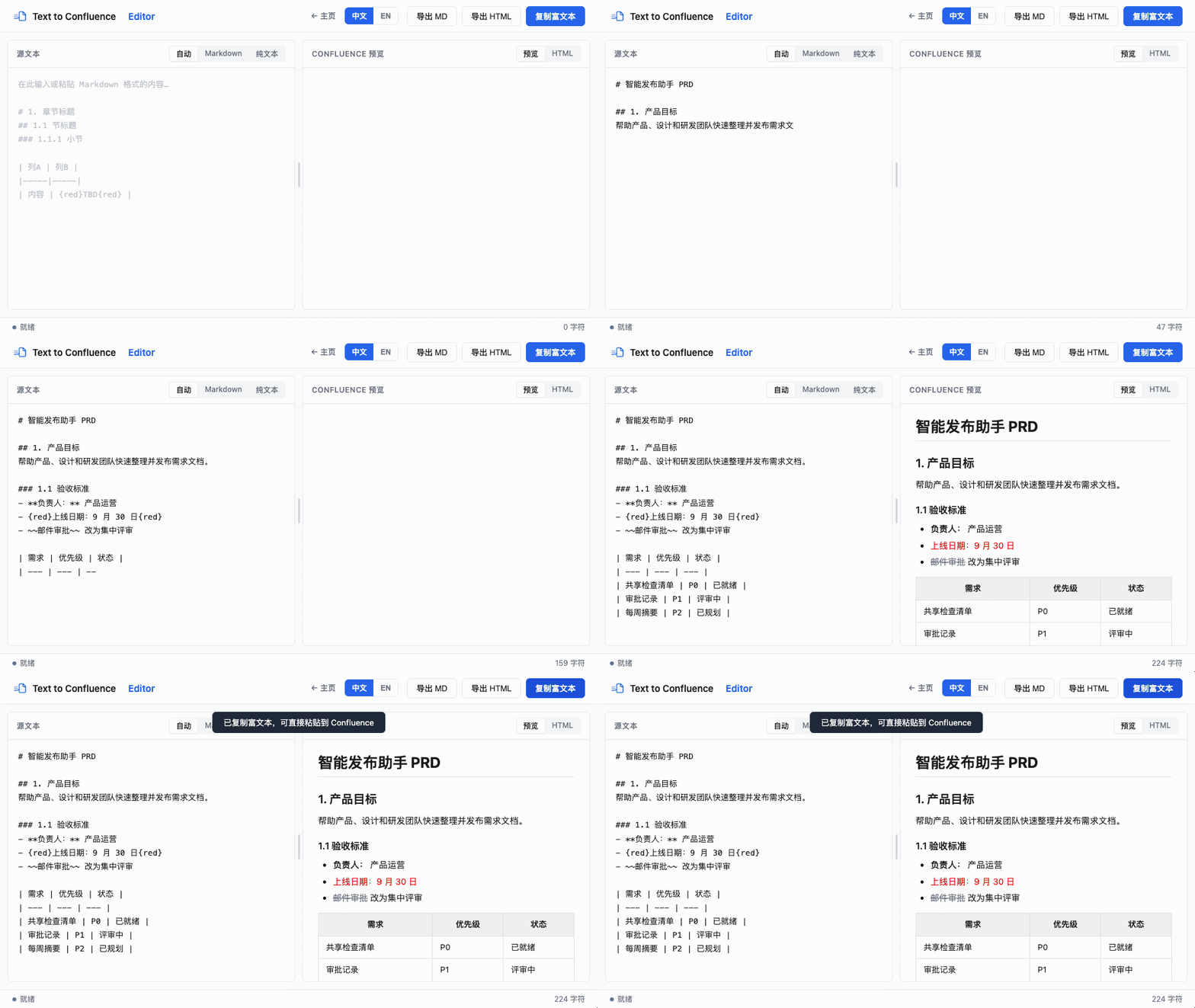
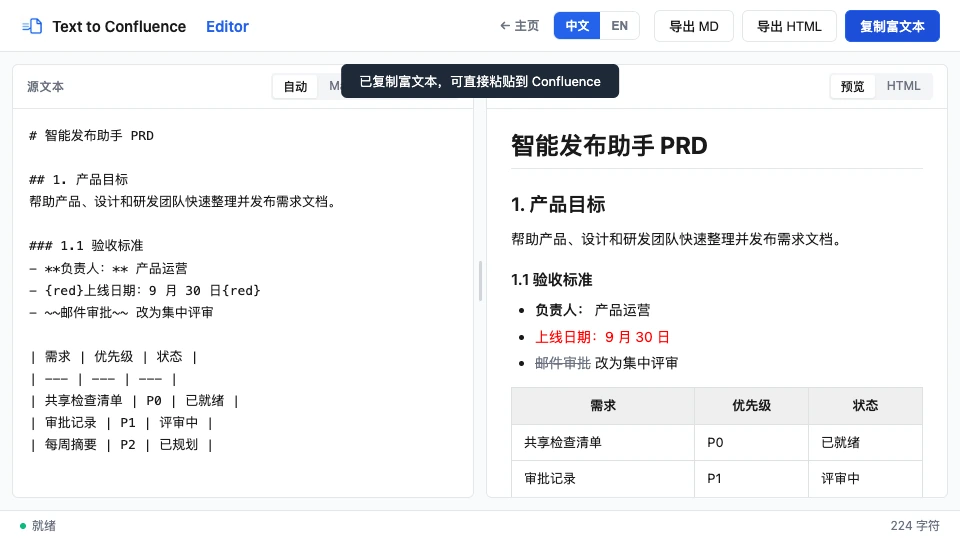
Turn plain text or Markdown into clean Confluence-ready rich text in your browser.
Open Text to Confluence Editor →Last reviewed against current Atlassian use-case documentation.


