What is Confluence in simple terms?
Confluence is a shared digital workspace where people create content together and organize it into a knowledge system the rest of the team can search, discuss, and update.
It began as a team wiki, but the modern product includes pages, live docs, whiteboards, databases, templates, comments, permissions, search, and integrations. The important idea is continuity: a conversation or draft can become durable team knowledge instead of disappearing into chat or email.
How does Confluence organize information?
Confluence groups related work into spaces, then stores knowledge in content such as pages and live docs that can be arranged, linked, searched, and permissioned.
Sites
The organization’s Confluence environment and its users, settings, and global navigation.
Spaces
Homes for a team, project, department, or knowledge domain.
Content
Pages, live docs, whiteboards, databases, and other collaborative material.
Structure and discovery
Content trees, links, labels, search, and navigation help people retrieve information later.
A useful setup mirrors how people look for information. For example, a product space might contain strategy, customer research, product requirements, decision records, release notes, and team rituals under clear parent pages.
What can you create in Confluence?
You can create durable reference pages, fast-moving collaborative docs, visual whiteboards, structured databases, and reusable documents from templates.
- Pages for polished, long-lived knowledge and documentation.
- Live docs for quick collaboration and evolving notes.
- Whiteboards for visual brainstorming and mapping.
- Databases for structured collections and views.
- Templates for consistent project plans, meeting notes, PRDs, retrospectives, and policies.
What is the difference between Confluence and Jira?
Confluence explains the work and preserves its context; Jira tracks work as structured items moving through workflows.
| Question | Confluence | Jira |
|---|---|---|
| Primary job | Create and share knowledge | Plan and track work |
| Typical object | Page, live doc, whiteboard, database | Issue or work item |
| Best examples | PRD, decision record, handbook, research | Task, bug, story, epic, request |
| How they work together | Provides goals, decisions, and detailed context | Shows ownership, status, priority, and delivery progress |
Many teams connect the two: a Confluence product requirement explains why and what to build, while linked Jira work items track the implementation.
Who typically uses Confluence?
Product, engineering, IT, support, HR, marketing, operations, and leadership teams all use Confluence when shared knowledge needs context and a durable home.
The product is flexible enough for a small project team and structured enough for company-wide knowledge management. The exact setup matters more than the department: clear ownership, useful templates, sensible spaces, and regular review keep content trustworthy.
Is Confluence a wiki, an intranet, or a document tool?
It can serve all three roles. Confluence is commonly used as a team wiki and knowledge base, can power an internal information hub, and provides collaborative document tools.
Those labels describe different uses of the same workspace. To see concrete examples, read what Confluence is used for.
Definitions and feature descriptions were checked against Atlassian’s official Confluence product page and beginner’s guide.
Related Confluence guides
Turning a draft into a Confluence page?
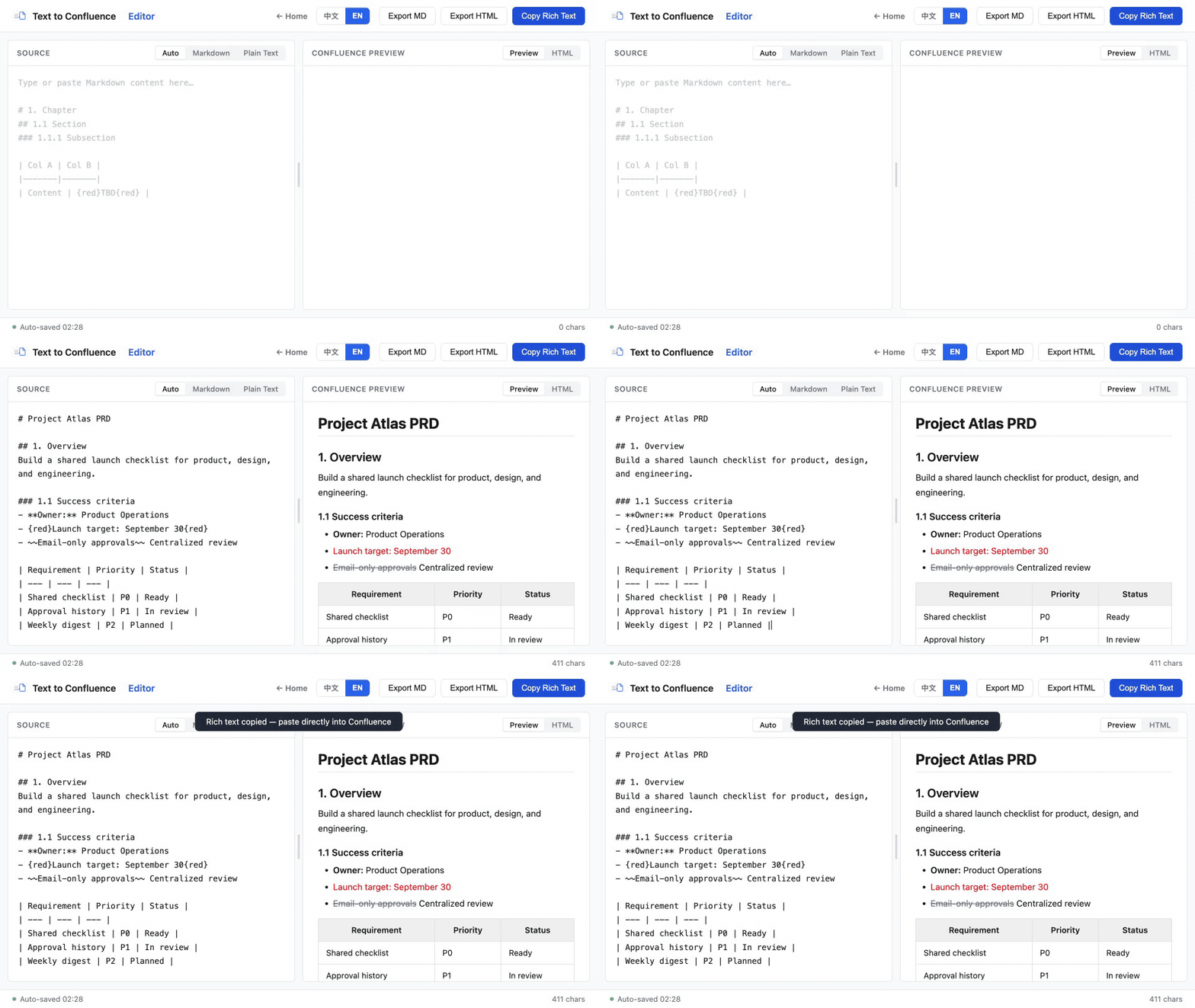
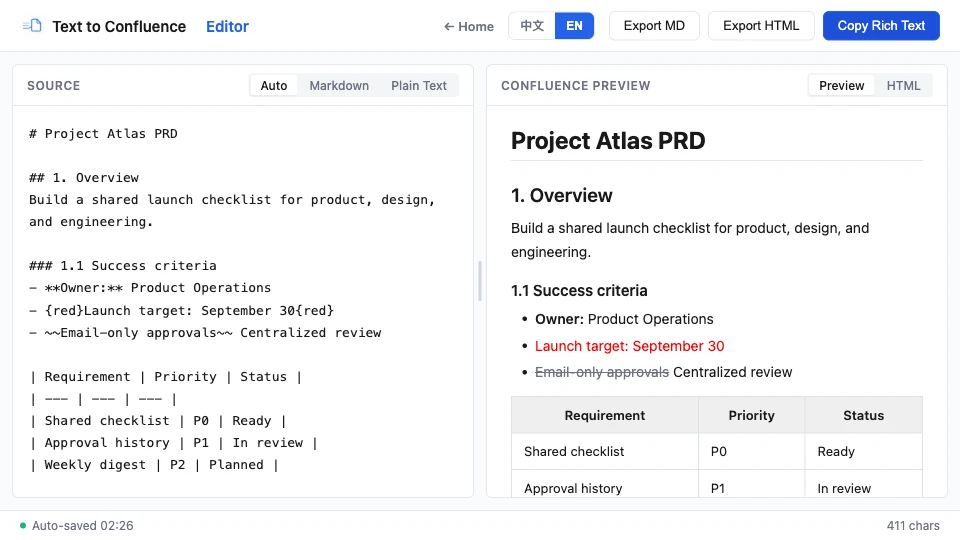
Prepare headings, tables, lists, links, and emphasis in a private browser workspace, then copy rich text into Confluence.
Open Text to Confluence Editor →Last reviewed against current Atlassian product documentation.